Features
House Cleaning Business Software, Feature by Feature
A deeper look at how CleanCrew Manager — cleaning service scheduling software with finance, crew and client apps built in — handles each part of your week.
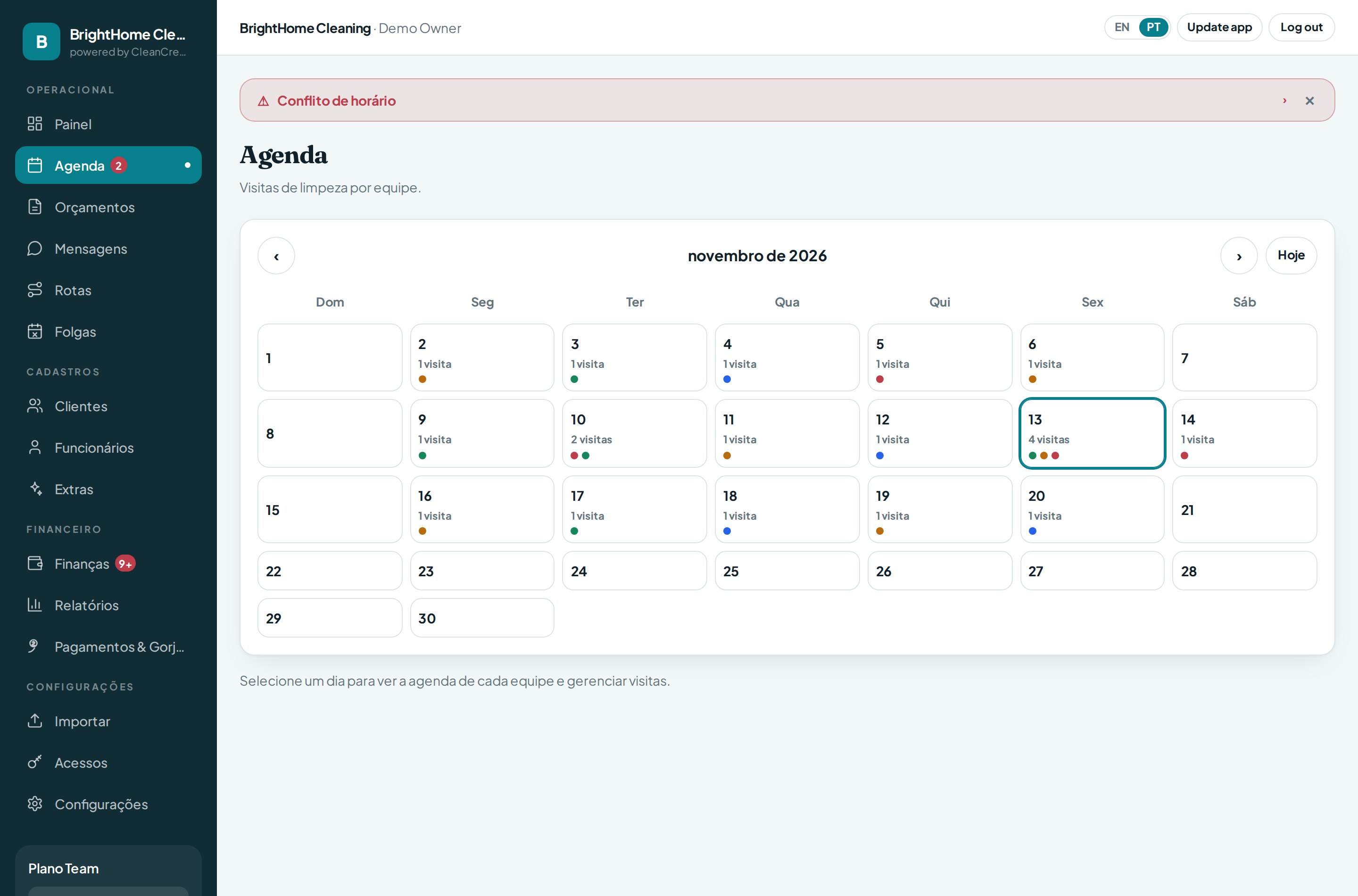
Recurring scheduling & automatic series
Create a client once and the series generates itself: weekly, biweekly or monthly, always on the right weekdays. Edit a single visit without breaking the series, mark cancellations clearly, and substitute crew when someone is out.
- Day progress view so nothing is missed
- Usual crew per house, pre-filled automatically
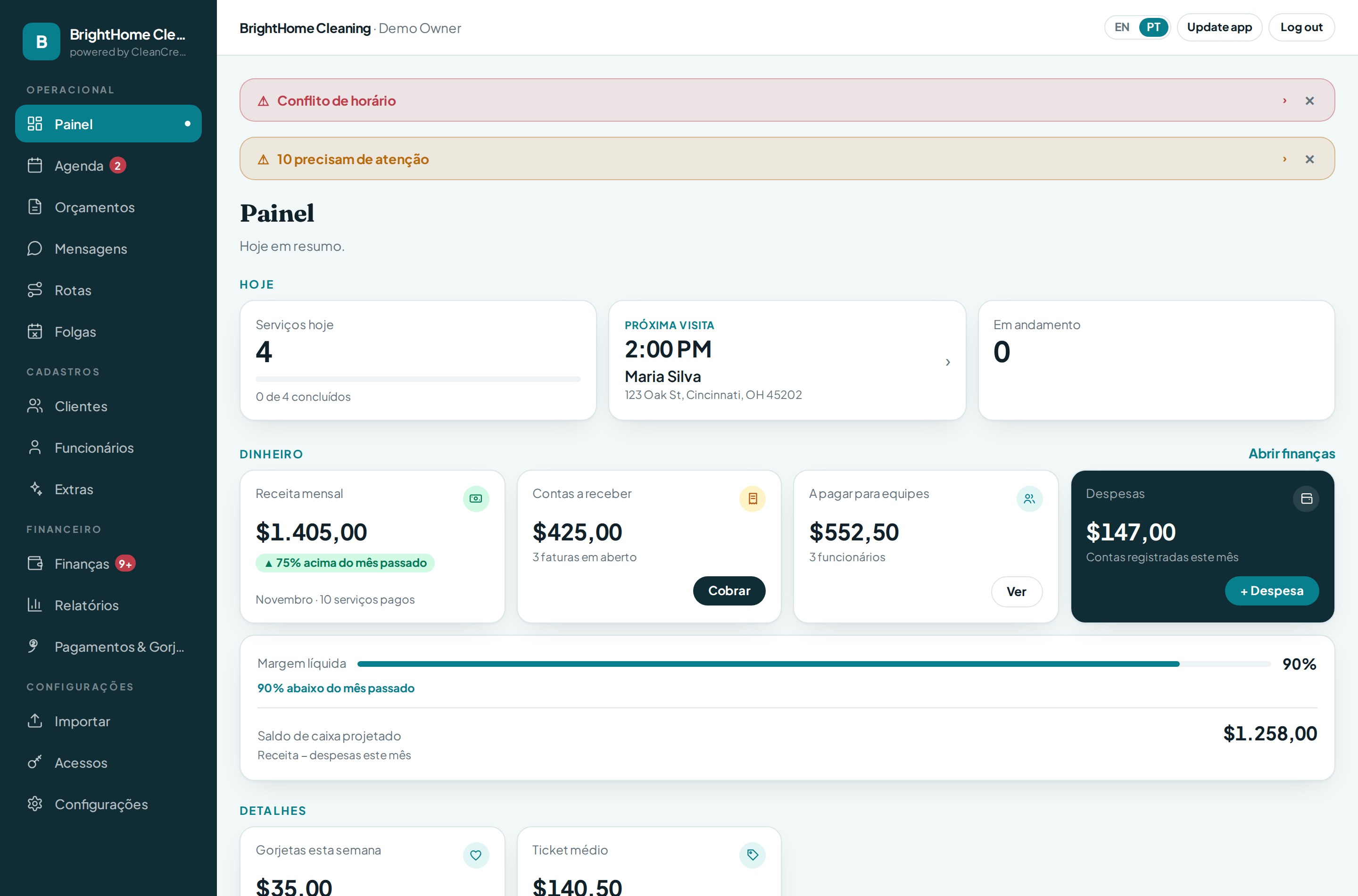
- Alerts for conflicts and unassigned visits
Finance as a single ledger
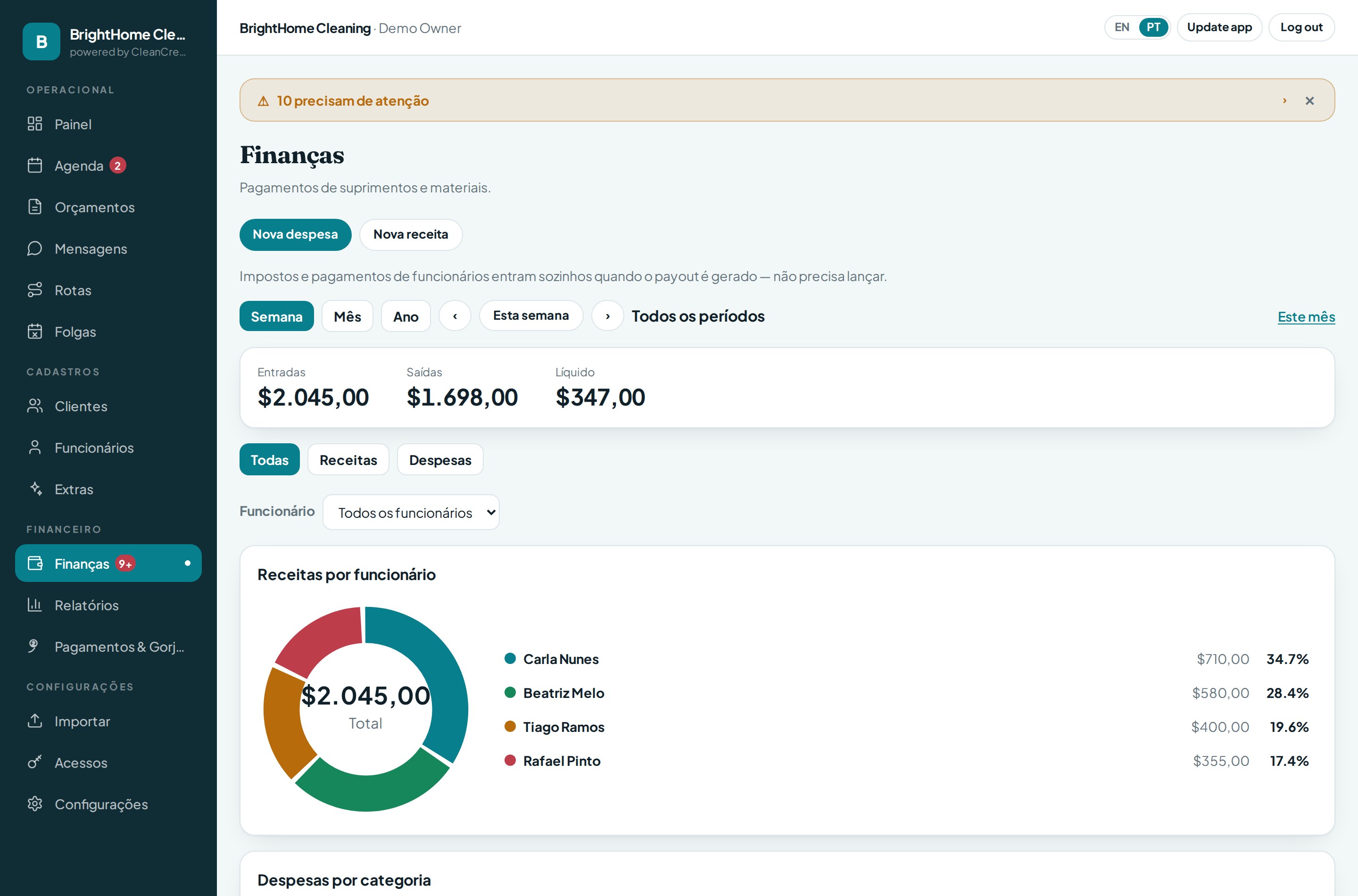
One cash book for the whole company: in − out = net, by week, month or year. Partial payments keep a visible balance, overpayment is blocked, and “received by method” shows exactly how much came in by Venmo, Zelle, cash or check.
- Receivables with who paid, who hasn't, who paid partially
- Bounced-check and unsettled-cash alerts
- Company profit (commission) kept separate from worker payouts
The crew app: only their own numbers
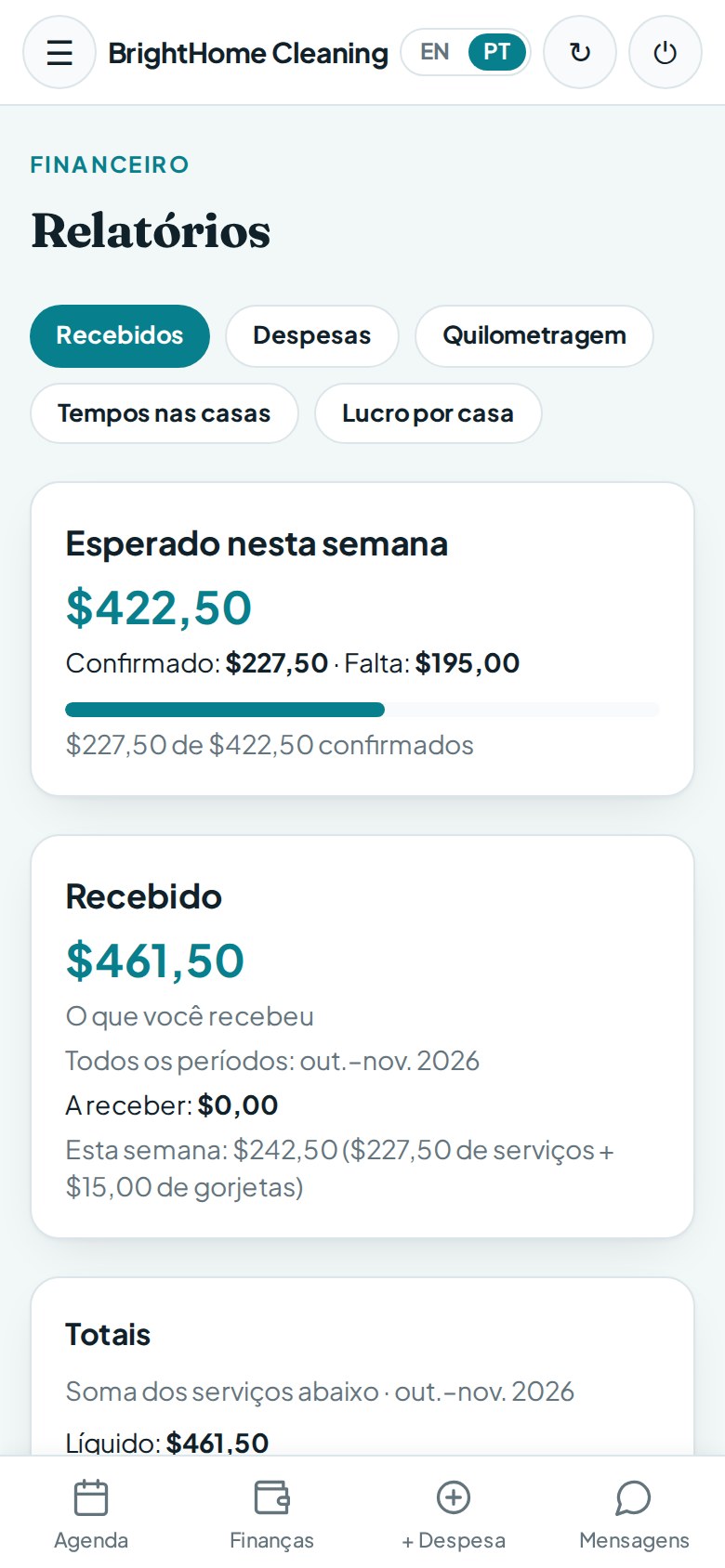
Professional rule, built into the product: who receives sees only their own money. Each worker sees their agenda, check-in/out, photos, mileage and their own net received — never the price charged to the client or the company's commission.
- Same simple layout as the owner app
- Expenses and mileage logged by the worker
- Their reports open on “all periods”, ready to check
The client app
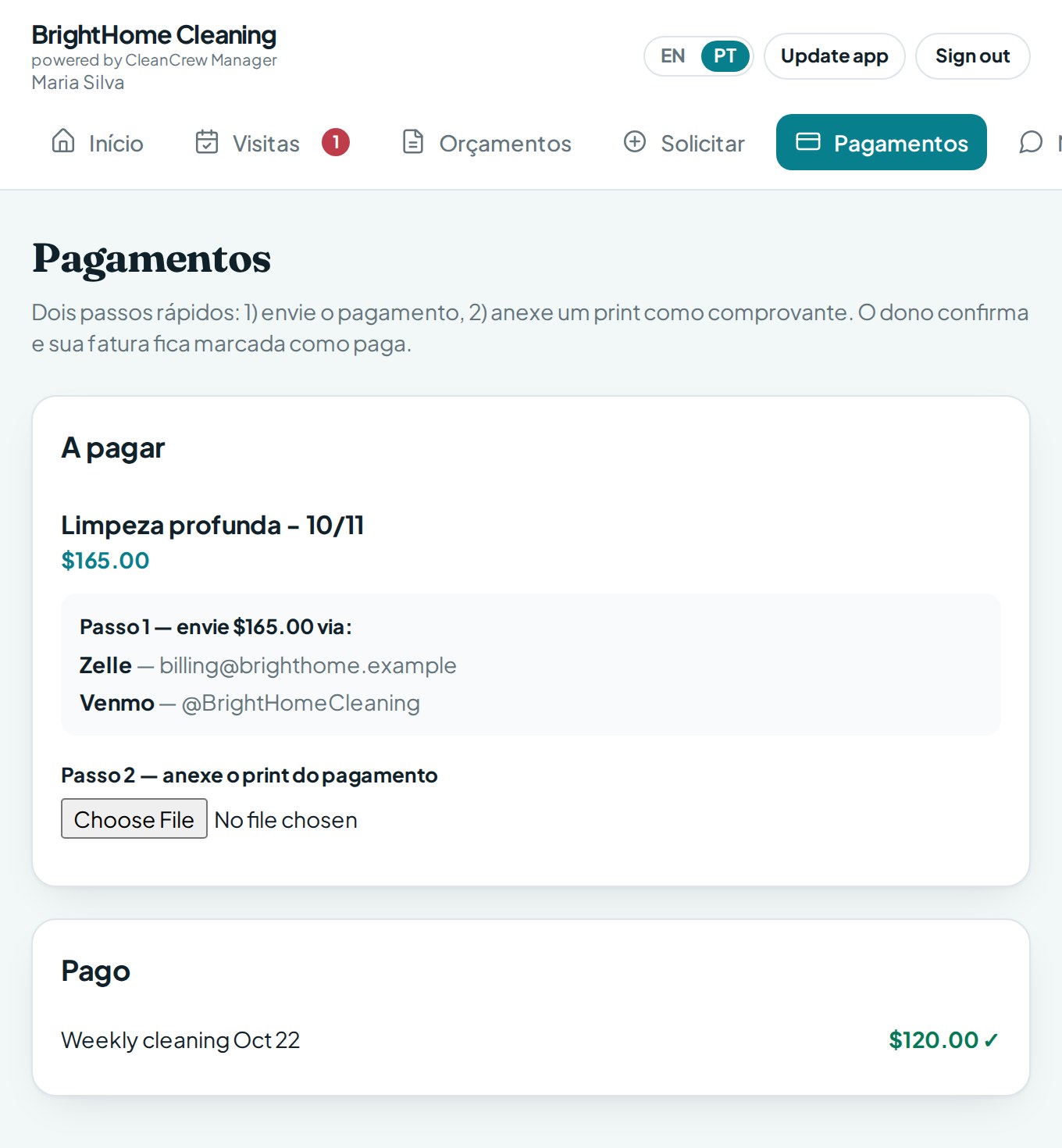
Clients follow their own cleanings: what's scheduled, what's owed, what was paid. They pay by Venmo, Zelle, cash or check and upload the payment proof screenshot — you confirm with one tap and the balance updates everywhere.
- Upcoming cleanings and invoices
- Payment proof attached to the payment
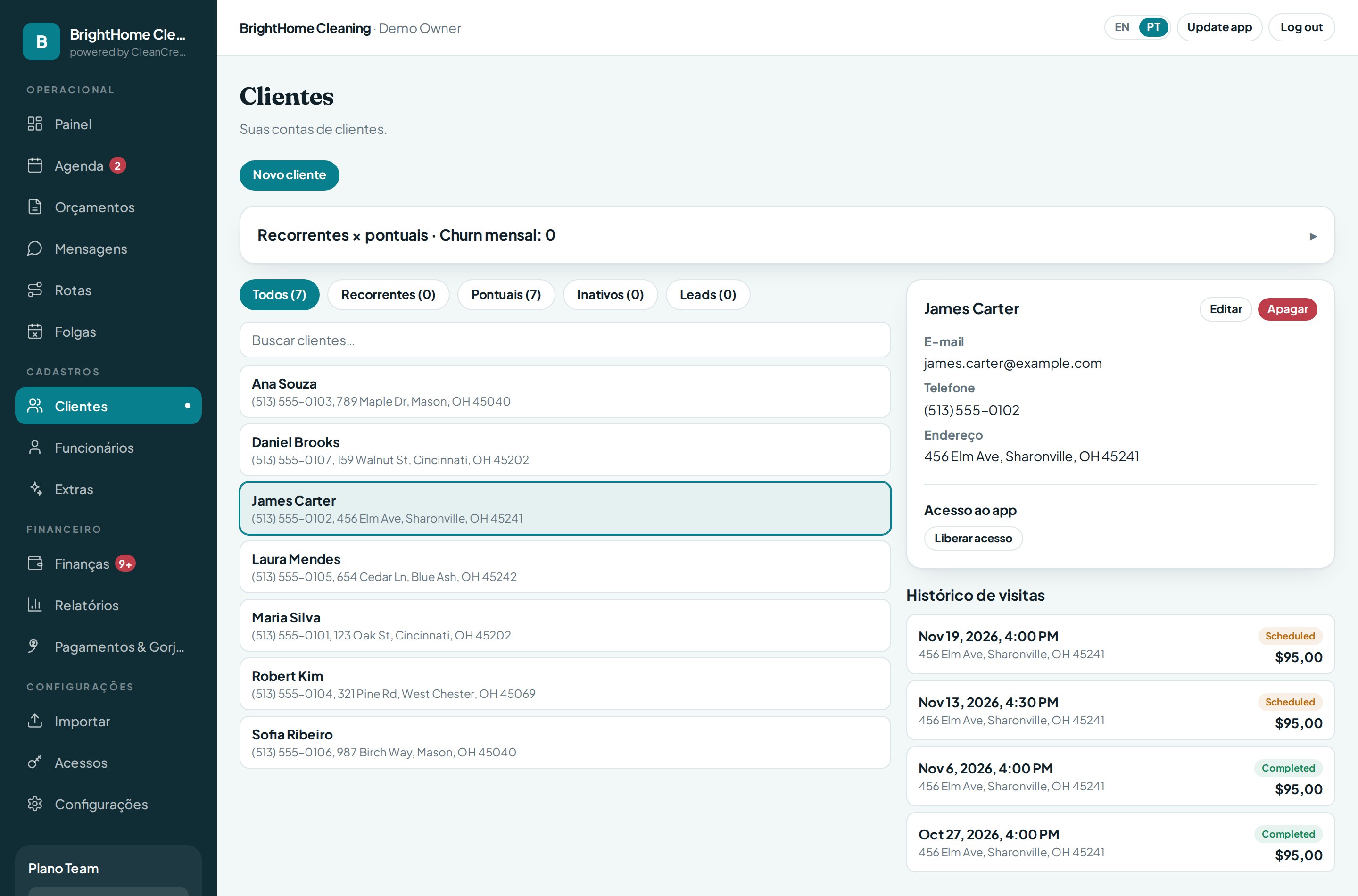
- Clients can request a visit — it arrives as a quote for you
Quotes & leads pipeline
Every request is a lead with a clear status: pending quotes stay visible for 7 days, approved quotes wait in their own tab until scheduled, and scheduling creates the first visit plus the recurring series in a single step.
- Requests from your website arrive flagged as “Site”
- Approved → schedule → becomes a client automatically
- No lead forgotten in an inbox
Reports & profit per house
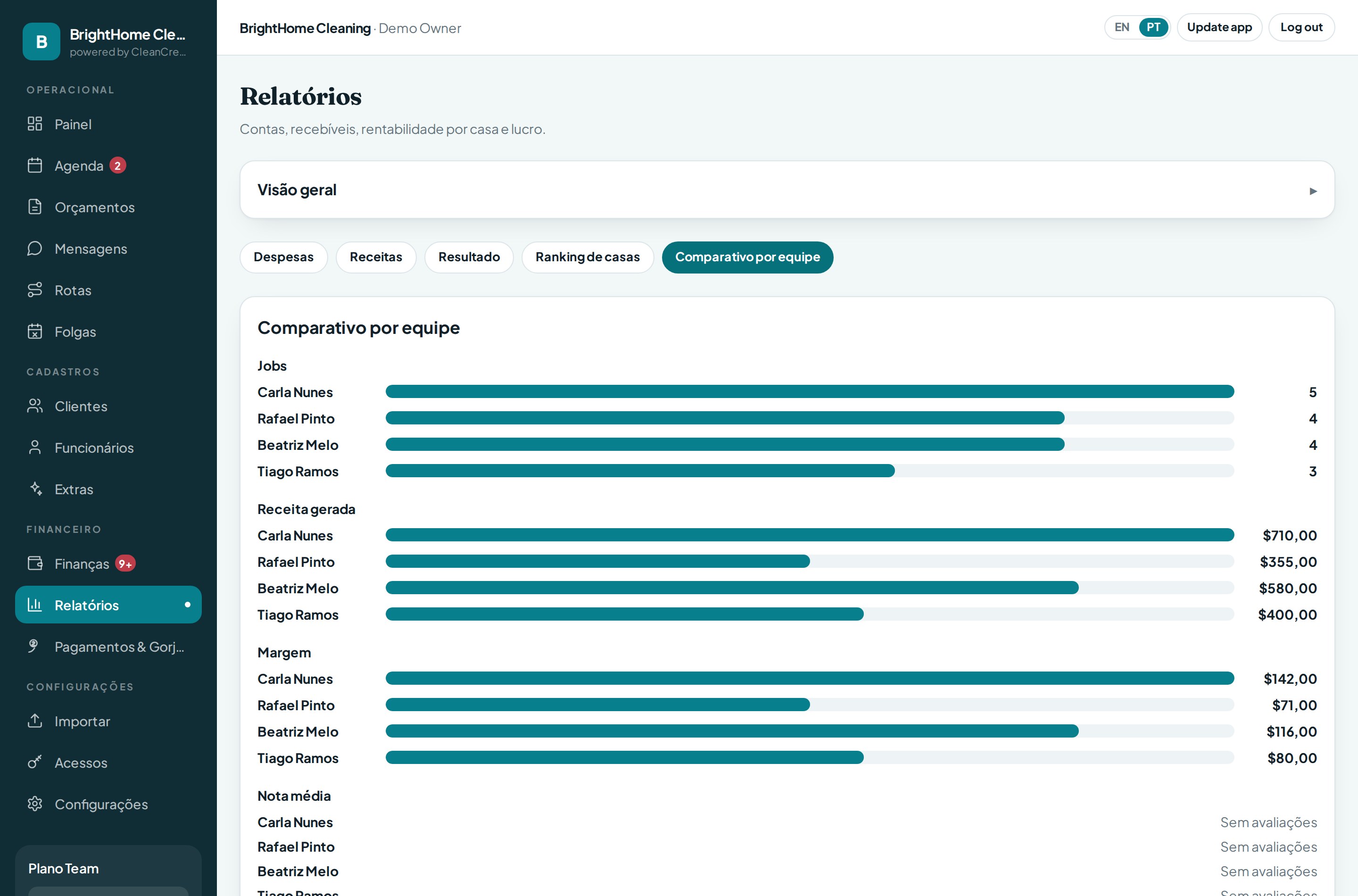
See revenue and margin trends, and — most importantly — profit per house: which clients make money after payouts and taxes, and which quietly don't.
- Trend vs. previous month on revenue and margin
- Received by payment method
- Per-client profitability, always current
Website integration
Your company's website talks directly to the app: a visitor requests a quote, and it appears in your Quotes with a “Site” badge and an alert — no copy-paste, no lost leads.